


# 10 Common Computer Problems (and What You Can Do About Them)
Whether you use your computer for work, studying, gaming or simply browsing the internet, running into technical problems can be incredibly frustrating. The good news is that many common computer issues have simple solutions. Here are ten of the most common problems we see at Hometech Centre, along with some practical advice to help you get back up and running.
## 1. Slow Performance
If your computer takes ages to start up or programs are slow to open, it may be overloaded with unnecessary startup applications, low on storage, or even infected with malware. Restarting your computer, removing unused software, and keeping your operating system updated can often improve performance. If your computer still feels sluggish, upgrading to an SSD or adding more RAM could make a huge difference.
## 2. Computer Won’t Turn On
A computer that refuses to power on isn’t always a major hardware failure. Check that the power cable is securely connected, the wall socket is working, and, for laptops, the charger is functioning correctly. If it still won’t start, professional diagnosis may be needed.
## 3. Overheating
Dust build-up inside your computer can restrict airflow, causing it to overheat. This can lead to poor performance, unexpected shutdowns, and even permanent hardware damage. Regular cleaning and ensuring the vents aren’t blocked can help keep temperatures under control.
## 4. Internet Connection Problems
If your Wi-Fi keeps dropping or websites won’t load, try restarting your router before assuming your computer is at fault. If other devices connect without issue, your computer’s network settings or drivers may need attention.
## 5. Blue Screen Errors
The infamous “Blue Screen of Death” usually points to hardware, driver, or software problems. While an occasional crash isn’t always serious, repeated blue screens should be investigated before they lead to data loss.
## 6. Applications Keep Crashing
Programs that suddenly close or freeze can be caused by outdated software, corrupted files, or insufficient system resources. Updating or reinstalling the application often resolves the issue.
## 7. Virus or Malware Infections
Pop-up adverts, slow performance, or unusual behaviour could indicate malware. Running reputable antivirus software and avoiding suspicious downloads are the best ways to protect your computer.
## 8. No Sound
If your speakers suddenly stop working, check the volume settings, confirm the correct audio device is selected, and ensure drivers are up to date. Sometimes, a simple restart is all that’s needed.
## 9. Storage Running Out
A full hard drive can significantly reduce your computer’s performance. Deleting temporary files, removing unused applications, or moving photos and videos to cloud or external storage can free up valuable space.
## 10. Battery Drains Quickly
Laptop batteries naturally wear out over time, but screen brightness, background applications, and power settings can also affect battery life. Using power-saving modes and replacing an ageing battery can help restore performance.
## Need a Helping Hand?
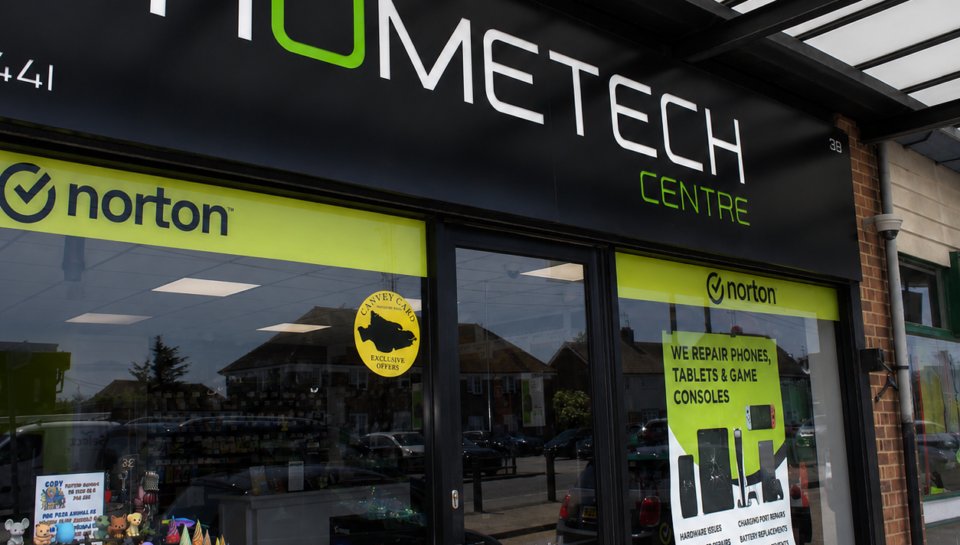
While some computer problems have simple fixes, others require professional diagnosis to avoid making the issue worse. At Hometech Centre, our experienced technicians repair desktops, laptops, and a wide range of other devices. Whether your computer is running slowly, refusing to switch on, or suffering from hardware faults, we’re here to help. Visit our Canvey Island store or contact us today for honest advice and reliable repairs.

